Choose your range
Start with 0–100 km/h. Unlock 100–200 km/h and custom speed ranges with PRO.
Your iPhone timer for acceleration tests on a closed course. Compare GPS and sensor fusion, save results and follow your vehicle’s progress.
iOS 17 or later · Free download · Optional PRO in-app purchase
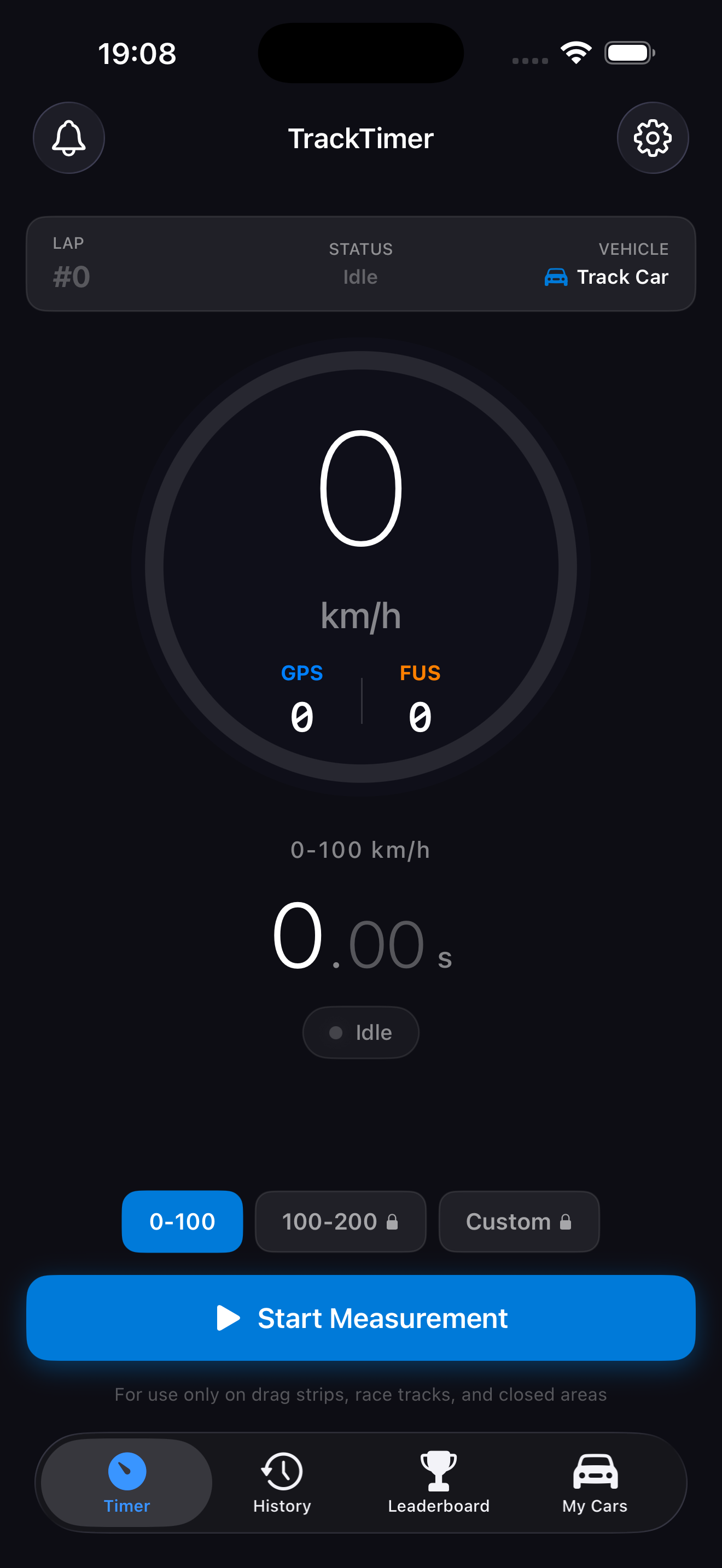
Start with 0–100 km/h. Unlock 100–200 km/h and custom speed ranges with PRO.
See GPS and sensor-fusion times for the same run. Results depend on your device and GPS conditions.
Keep vehicle profiles alongside your measurement history. Sign in if you choose to share results on the leaderboard.
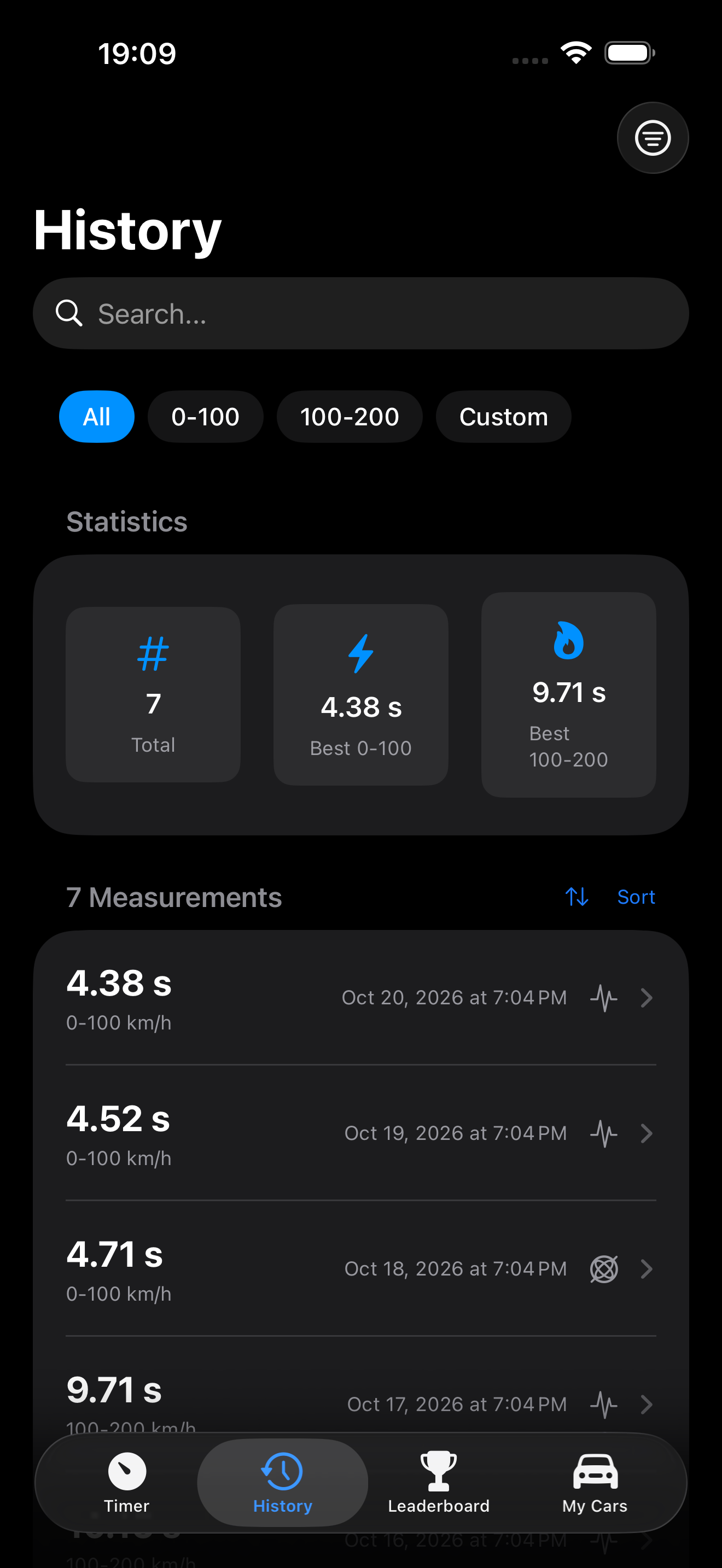
Filter runs by speed range, find your best times and connect results to your vehicles. Inspect the detail chart when speed data has been saved.
Times shown are illustrative examples, not a performance or accuracy guarantee.
A 25-second introduction, in Turkish.
Download the promo video ↓The app uses your iPhone’s GPS and motion sensors. It does not promise external timing-device integration.
PRO adds features including 100–200 km/h and custom-range timing. It is a one-time in-app purchase. Current pricing and feature details appear on the purchase screen.
Measurements and vehicles are stored on your device. Account details are processed by cloud services when you sign in; content you submit to the leaderboard is public. See our privacy policy for details.